
Two phones.
Three steps.
About four mins.
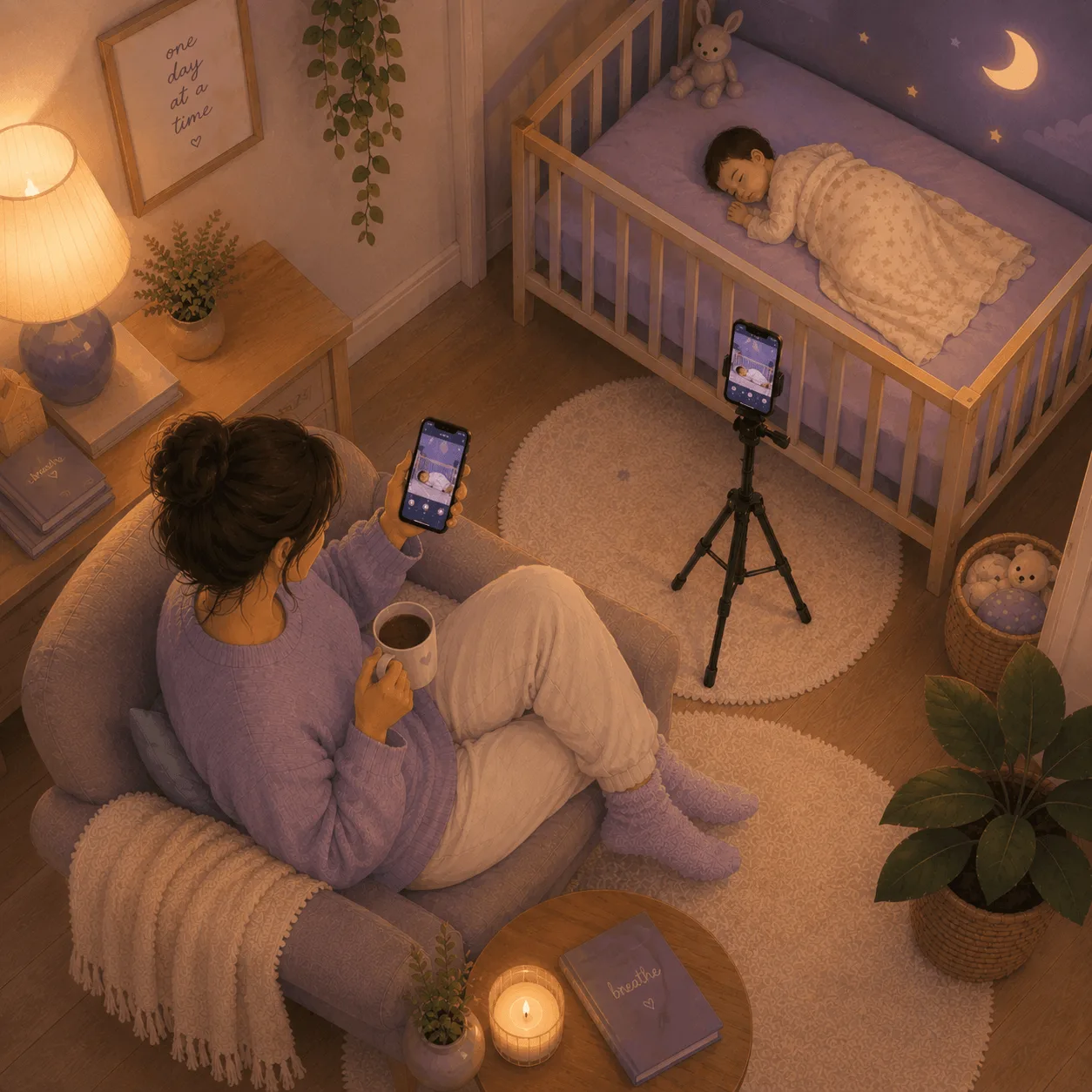
You just need two smartphones: one phone stays near the crib, one stays with you. No expensive cameras to buy. No extra devices to charge.
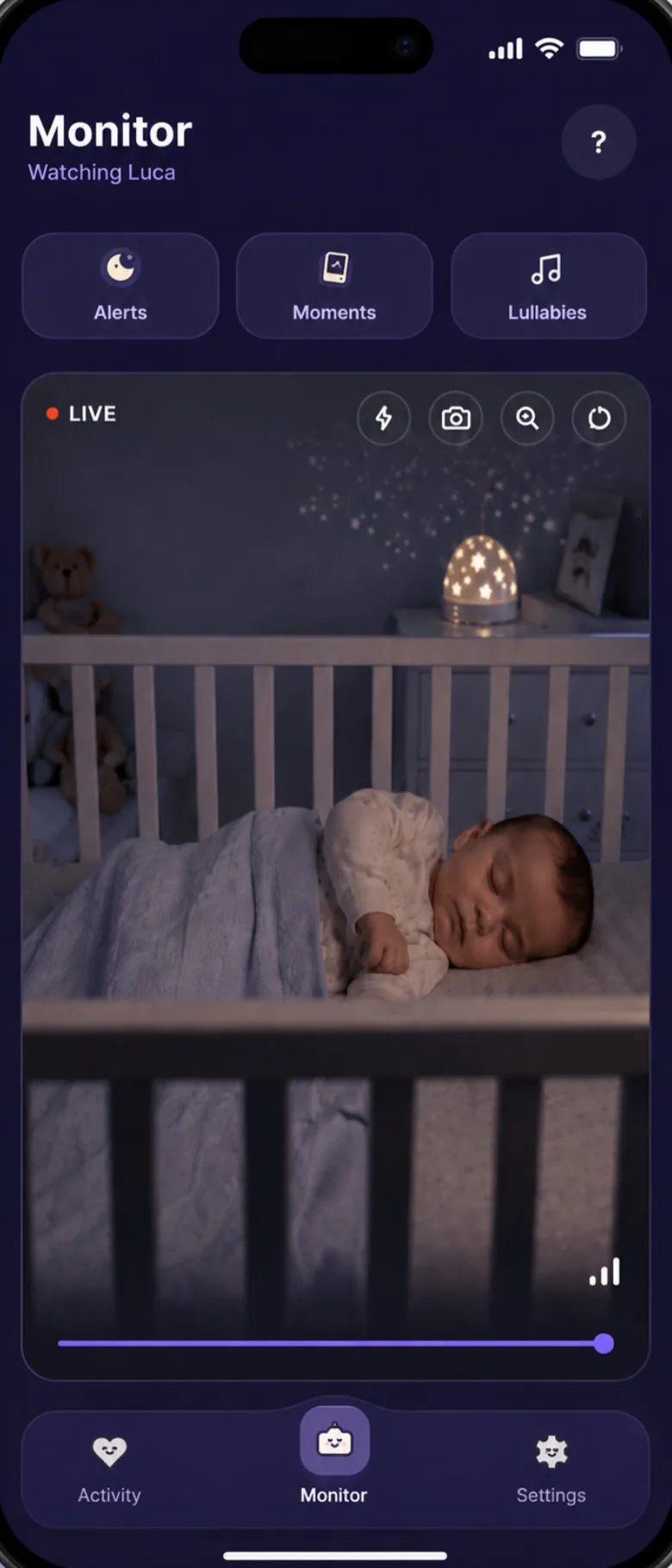
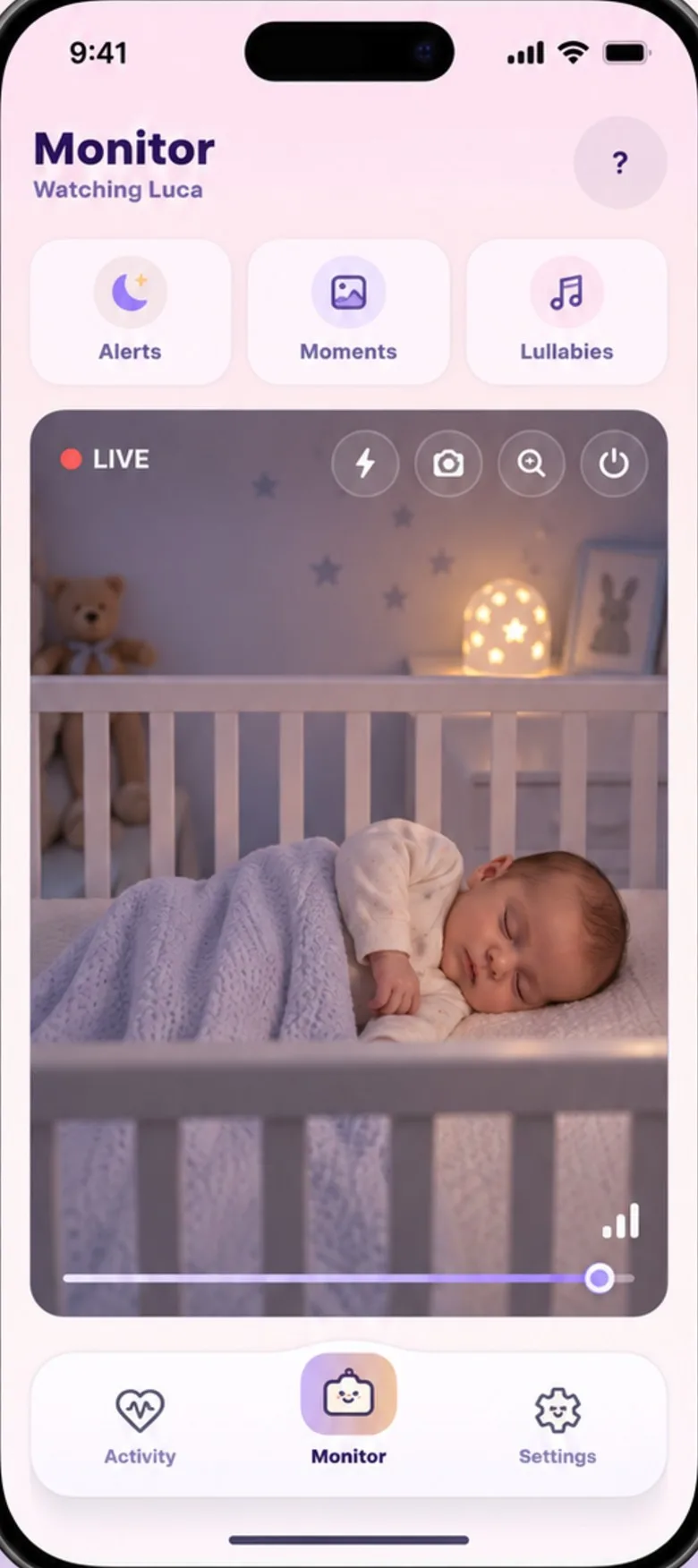
Two phones. Four minutes.
You’re ready.
- 1
Install
Use Baby’s Day In on both phones.
- 2
Pair
Enter the 6-digit code. Takes seconds.
- 3
Place & monitor
Leave one phone by the crib. Watch from yours.
No extra hardware. No complicated setup. Before the first night, run the nursery phone checklist.
You're probably wondering.
Yes. Install Baby’s Day In on two phones: one stays by the crib as the camera, the other stays with you. They pair with a six-digit code or a QR code and connect over Wi-Fi or mobile data, so they don’t need to be on the same network.
Any mix works: two iPhones, two Android phones, or one of each. iPhones need iOS 16 or later and Android phones Android 7 or later. iPads aren’t supported yet.
Yes, on mobile data. Both phones need an internet connection, but not the same one. With no internet at all it can’t work: in a cabin with no signal, a radio monitor with its own parent unit is the better choice.
No. Two phones with an internet connection. That's the whole list. Spare phone in a drawer counts, and the two don't need to share a Wi-Fi network.
Not sure an app is enough? An honest comparison with a dedicated monitor.
Android 7 or iOS 16 is the floor. A Pixel 3 or an iPhone 8 works fine. The nursery phone doesn't need to be fast. It's just a camera and a microphone with a screen.
Auto-Soothe plays through the nursery phone's speaker, not yours, and the volume is yours to set. The first cry sends an alert. If the crying carries on, the alert keeps ringing until someone answers, by design — you can soften that per alert under Notifications in the app.
Not yet. For now it’s one nursery phone and one parent phone per baby, and a second person can’t join with their own account. That's on the way, and we'll announce it in the app.
It reconnects on its own as soon as the network returns. If the camera stays unreachable you get a “camera lost connection” alert, and another one when it comes back.
If you still have questions, we're easy to reach.Help centre
Set it up before
the next nap.
Free for everyone while we’re in early access.