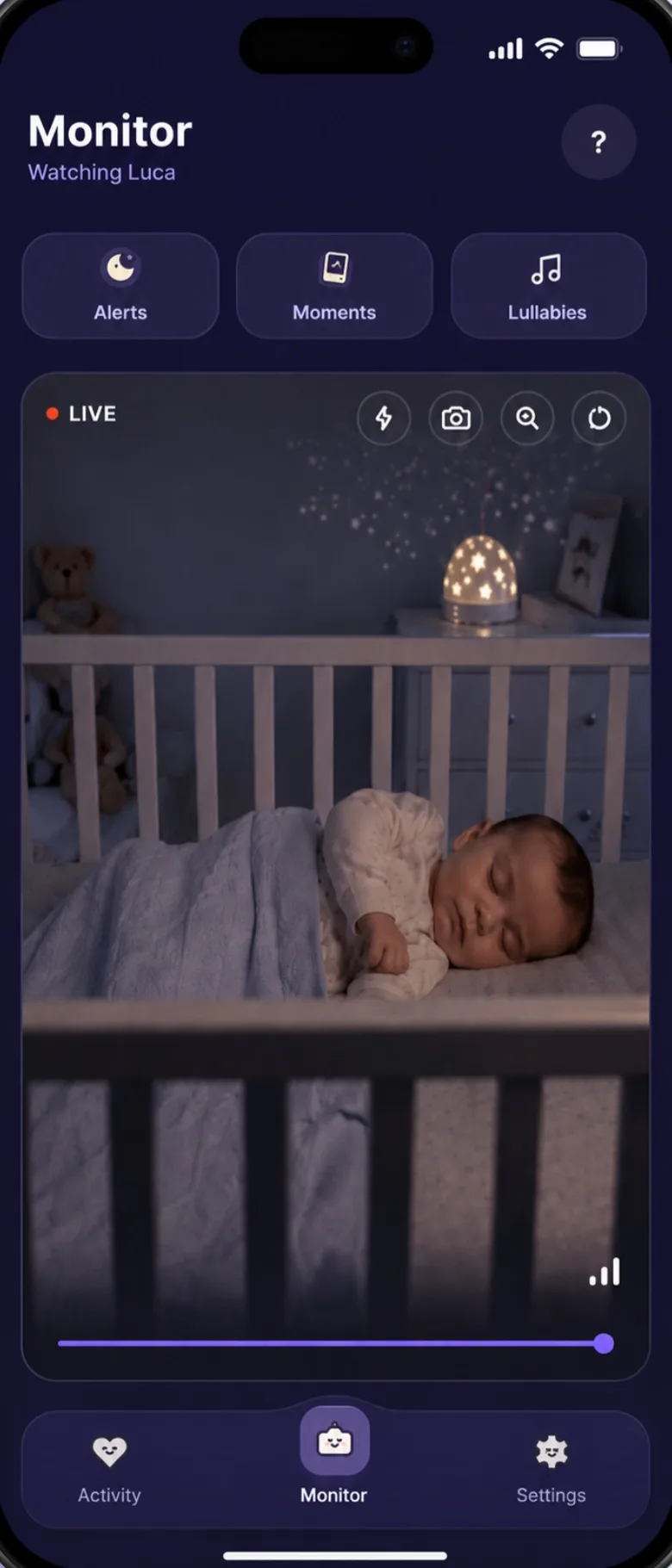
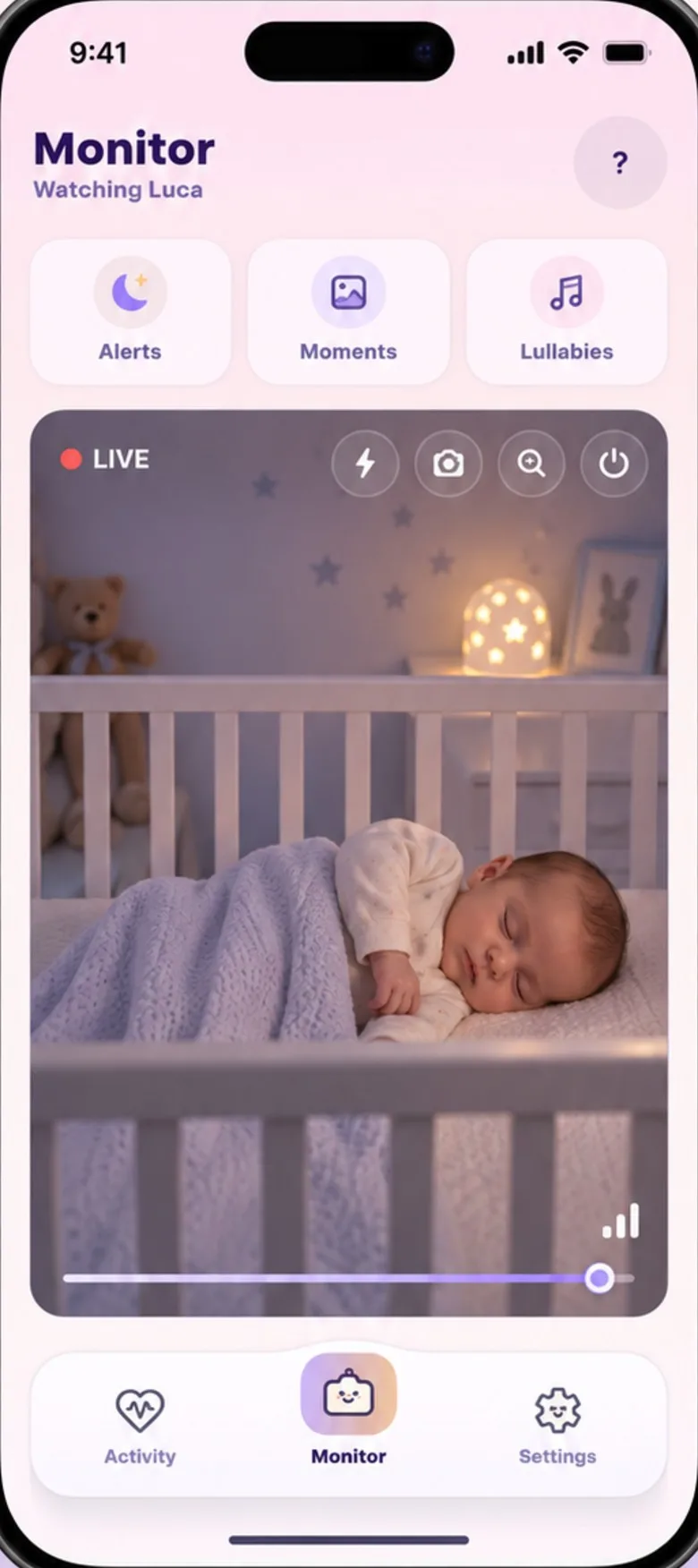
The short answer
If you have a spare phone and a steady internet connection, an app can do the main jobs of a baby monitor: you see and hear the nursery on your phone, and you get an alert when your baby cries. A dedicated monitor is the better buy if your internet often drops, if you want to see in a completely dark room, or if you’d rather not keep a phone plugged in by the crib.
What a monitor has to do
Strip away the extras and a baby monitor has three jobs:
- Let you hear the room, clearly enough to tell a cry from a rustle.
- Let you see the crib, so you can check without opening the door.
- Keep doing it all night, without you having to look after the monitor.
Video monitors and apps can both do the first two. The third is where they differ most.
How a monitor app works
You install the same app on two phones. One stays in the nursery and becomes the camera; the other stays with you and shows the picture. With Baby’s Day In you pair them once with a six-digit code. They talk over the internet, so they don’t need to be on the same Wi-Fi: Wi-Fi or mobile data both work.
The phone by the crib doesn’t need to be new. A spare phone from a drawer will do, as long as it runs Android 7 or iOS 16 or later.
Choosing between apps? Six monitor apps, side by side.
Where an app does well
- Nothing new to buy. If there’s a spare phone in the house, you already own the camera, and the screen you watch on is the phone you carry anyway.
- No range to run out of. A radio monitor reaches as far as its signal does. An app works wherever both phones have a connection, even when they’re on different networks.
- It can tell you what it heard. Rather than passing on every sound, an app can listen for some. Baby’s Day In listens on the nursery phone itself and alerts you after a few seconds of steady crying, so one squawk doesn’t wake you. Coughs and voices in the room are noted in the log without an alert. Here is everything it listens for.
- It can answer. Talk to your baby through the nursery phone, or let Auto-Soothe play a lullaby or your recorded voice when it hears a cry.
- The rest of the day lives in the same place. Feeds, naps and nappies logged with a tap, and a weekly report you can take to the doctor.
Where a dedicated monitor does better
- It doesn’t need the internet. Many audio and video monitors talk straight to their own parent unit by radio, so they keep working when the broadband is down. An app needs a connection on both phones. If the signal in your nursery is patchy, that matters more than any feature.
- It sees in the dark. Most video monitors have infrared night vision, which shows the crib in a pitch-black room. Most phone cameras don’t, so the picture needs a little light. Leave a dim night light on, and check the picture from your phone before the first night.
- It’s built to stay on. A monitor is made to run all night. A phone wants to dim its screen, save battery and put apps to sleep, so the nursery phone needs a few settings changed and has to stay on its charger. The nursery phone checklist walks through them; it takes about ten minutes, once.
- It does one thing. A parent unit has no other apps, calls or messages. If your phone goes into Do Not Disturb or a Focus mode at night, it can silence alerts unless you let the monitor app through.
What neither can do
No monitor makes sleep safer on its own, and neither does an app. The American Academy of Pediatrics advises against using home heart or breathing monitors as a way to reduce the risk of SIDS, and warns parents off products that claim to reduce it.
What lowers the risk is how your baby sleeps: on their back, on a firm, flat surface, in their own sleep space, with no soft bedding. A monitor, any monitor, tells you what’s happening in the room. It doesn’t replace those basics, or your own checks.
Thinking about a breathing or oxygen monitor? What the AAP and the FDA say about them.
Which one suits you
An app is probably enough if:
- you have a spare phone on Android 7 or iOS 16 or later
- your Wi-Fi or mobile signal is steady in the nursery
- there’s a little light in the room at night, or you’re happy to add one
- you’re fine leaving that phone on its charger by the crib
A dedicated monitor may suit you better if:
- your internet often drops, or the nursery has no signal
- you want to see the crib in complete darkness
- you’d rather not change settings on a phone
- someone without a smartphone will be keeping watch
Baby’s Day In is free while we’re in early access, so trying it costs a spare phone you already have and a few minutes of setup. If it doesn’t suit your home, a dedicated monitor is a fine choice.