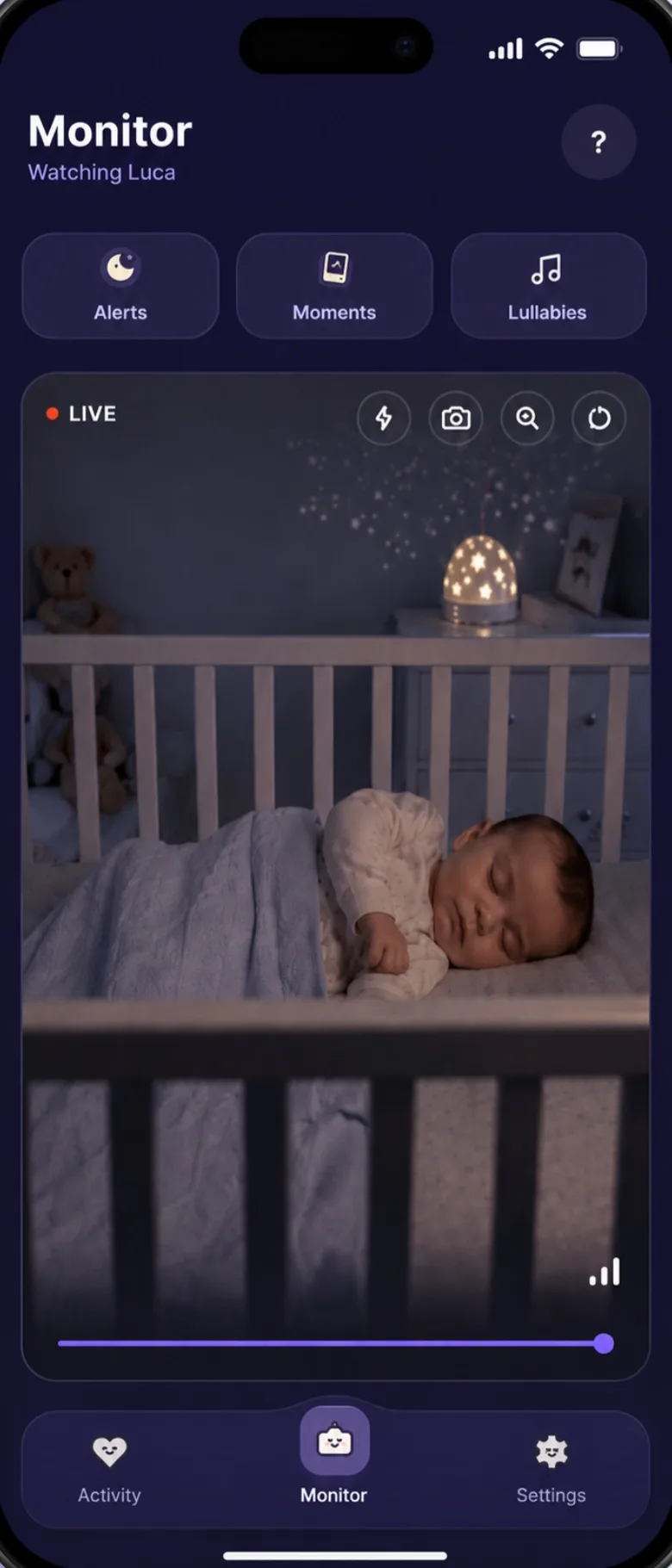
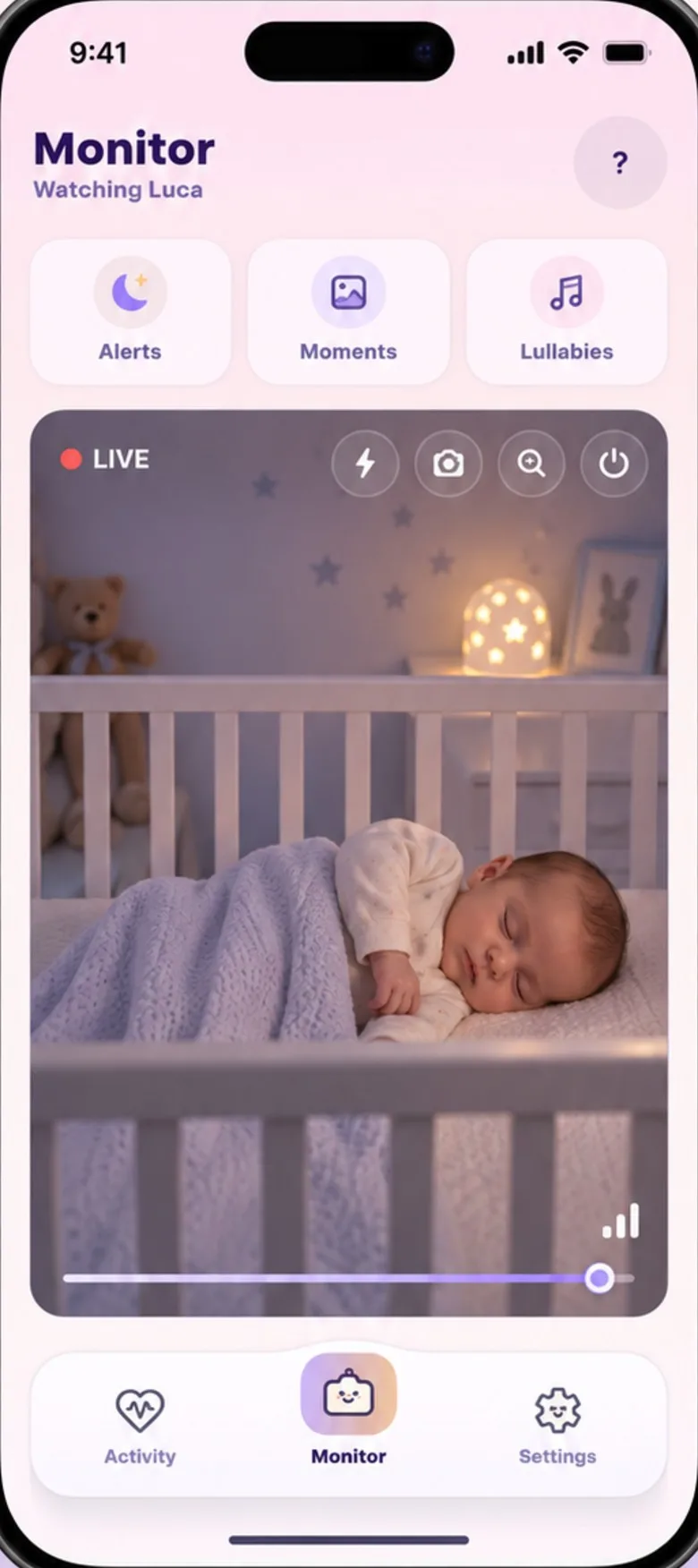
The short answer
All six turn two phones into a video baby monitor you can talk back through. Pick Baby’s Day In if you want crying recognised rather than any noise, a lullaby that starts on its own and a feed and nap log, free while it’s in early access. Pick Cloud Baby Monitor or Baby Monitor 3G for a one-off price, Annie or Nani to watch several cameras or use a TV or web browser, and Dormi for Android phones that need to work with no internet at all.
At a glance
What each app’s own website and store listing say it does. Cloud is Cloud Baby Monitor and 3G is Baby Monitor 3G. The details are in each app’s section below.
| Question |  Baby’s Day In Baby’s Day In | Cloud | 3G | Annie | Nani | Dormi |
|---|---|---|---|---|---|---|
| Free to use | Yesearly access | Nofrom $6.49 | No$7.99 | Nosubscription | Nosubscription | Partly4 h a month |
| iPhone and Android together | Yes | Yes | Yes | Yes | Yes | NoAndroid only |
| Alerts on | Crying | Noise, motion | Noise | Sound, motion | Sound, motion | Noise |
| Works away from home | Yes | Yesopt-in | Yes | Yes | Yes | Yes |
| Works with no internet | No | YesWi-Fi or Bluetooth | No | No | Not stated | YesWi-Fi Direct |
| Talk back | Yes | Yes | Yes | Yes | Yes | Yes |
| Lullabies | Yesstart on their own | Yes | PartlyiPhone or iPad only | Yes15+ | Yes | Not stated |
| Feed and nap log | Yes | Not statedsound log | Not statedsound log | Yes | Not statedsound log | Not statedsound log |
| Several cameras at once | No | Yes | No | Yes | Yes | Partlyextra apps |
| Account | Your phone only | Remote use only | None | Code or login | Apple or Google | None |
YesNoPartlyNot stated on their own pages
What they cost
Prices from the US Google Play and App Store on 7 October 2026, or from the app’s own website where it says so. They change, and differ by country.
- Baby’s Day InNo subscription, nothing to buy in the app
Freewhile we’re in early access
To try itEvery feature
- Cloud Baby MonitorBought for each platform: $6.49 Android, $6.99 iPhone and iPad, $7.99 Mac
$6.49 to $7.99, once
To try itNot stated
- Baby Monitor 3GBought for each platform: $7.99 Android, $7.99 iPhone and iPad, $4.99 Mac
$4.99 to $7.99, once
To try itA free Android trial app; each session stops after 30 minutes
- AnnieWeekly to yearly, or lifetime; US App Store items from $1.99 to $149.99
Subscription
To try itA 3-day trial
- Nani€5.99 a month, €11.99 a quarter or €29.99 a year on its website; unlimited devices
Subscription
To try itA free trial (3 days on the yearly plan, says its website)
- DormiThen about $2 a month, $10 a year or $17 for life
4 hours a month free
To try it4 free hours every month
Baby’s Day In
Good for: parents who want the monitor and the day’s log in one app. It listens on the nursery phone for crying itself, rather than any noise over a level, and alerts you after a few seconds of steady crying. Coughs and voices are noted without an alert. Auto-Soothe can play a lullaby or your recorded voice when it hears a cry, and rings you if the crying carries on. Feeds, naps and nappies are logged with a tap, and the week comes out as a PDF for the doctor.
Not for you if: you need several cameras at once, more than one parent phone watching, a monitor that works with no internet, or a TV or tablet as the screen. It’s in English only. It needs a little light to see: phone cameras have no night vision. Every feature, in one list.
Cloud Baby Monitor
Good for: Apple households and anyone who’d rather pay once. Besides phones it runs on iPad and Mac, with Apple TV as a screen and alerts on an Apple Watch. By default the two devices talk over your home Wi-Fi or Bluetooth with no internet needed; a mode called Unlimited Range, which needs an account, lets them connect over mobile data or another network. It can use the nursery device’s screen or flash as a light so the camera can see.
Keep in mind: alerts are for noise and motion. You buy it separately for Android, for iPhone and iPad, and for Mac.
Baby Monitor 3G
Good for: a monitor with no account and a one-off price. It works over Wi-Fi or mobile data, pairs with a code, lets several parent devices watch one baby, and has a night light and a log of when your baby was awake, with the sounds to replay.
Keep in mind: lullabies only play when an iPhone or iPad is by the crib, its help pages say it watches one Baby Station at a time, and you buy it separately for each platform.
Annie Baby Monitor
Good for: the widest choice of screens and cameras. Annie runs on phones, tablets, Mac, Windows, Linux, web browsers and Android TV, can use some IP cameras as the baby unit, and watches several babies at once. Like Baby’s Day In it has a baby tracker for feeds, nappies and sleep.
Keep in mind: after a 3-day trial it’s a subscription or a lifetime purchase. Its own security page says it uses the Meta SDK to track app events such as installs and subscriptions.
Nani Baby Monitor
Good for: several cameras and big screens. Nani connects unlimited parent devices and several cameras, runs on Android TV, Fire TV and in a web browser, streams up to 4K, and can save event clips to its cloud for 30 days if you turn that on.
Keep in mind: after a free trial it’s a subscription, and sign-in is with Apple or Google.
Dormi
Good for: Android-only homes, and places with no internet: it can link two phones over Wi-Fi Direct or a hotspot. It has no account, says it has no analytics or tracking, and gives 4 hours of monitoring free every month.
Keep in mind: there’s no iPhone version, alerts work from noise levels that adapt to the room, and watching a second or third child needs its companion apps.
How to choose
- Check your phones first. Mixing an iPhone and an Android phone rules out Dormi.
- Decide how you want to pay. Free now (Baby’s Day In), once per platform (Cloud, Baby Monitor 3G), or a subscription (Annie, Nani, Dormi after its free hours).
- Think about the alert you want. Most apps alert on noise over a level you set, which also catches a dog barking or a door. If you’d rather hear only about crying, look for an app that recognises it.
- Count your cameras. Two children in two rooms needs Cloud, Annie, Nani, or Dormi with its extra apps.
- Test your connection. Every app needs a steady signal between the two phones. Try it for a nap before you rely on it overnight.
- Read the privacy page. All six say the live stream is encrypted; what they keep, and who else gets data, differs. Seven questions to ask any of them.
How we checked
On 7 October 2026 we read each app’s own website, help pages, and its Google Play and App Store listings in the US. We didn’t install the other five, so we only repeat what their makers say, and we left out anything their own pages contradict. Store ratings are left out because they change daily. If something here is out of date, tell us at hello@babysday.in and we’ll fix it.
Monitor apps, quick answers.
Is there a free baby monitor app?
Baby’s Day In is free while it’s in early access. Dormi gives Android users 4 free hours of monitoring a month. Annie and Nani have short free trials before a subscription, and Baby Monitor 3G has a free Android trial that stops each session after 30 minutes.
Can I use an iPhone and an Android phone as a baby monitor?
Yes, with an app that runs on both: Baby’s Day In, Cloud Baby Monitor, Baby Monitor 3G, Annie and Nani all pair an iPhone with an Android phone. Dormi is Android only.
Do baby monitor apps work without Wi-Fi?
Most work on mobile data, so the two phones don’t need to share a Wi-Fi network. With no internet at all, Dormi can connect two Android phones over Wi-Fi Direct or a hotspot, and Cloud Baby Monitor can use home Wi-Fi or Bluetooth.
Which baby monitor app alerts you when the baby cries?
All of them alert you to sound. Most do it by noise level, so any sound over the level you set counts. Baby’s Day In listens for crying itself, on the nursery phone, and alerts after a few seconds of it; coughs and voices are noted without an alert.
Which baby monitor app is best?
It depends on your phones and your home. For iPhone and Android together with cry alerts and a feed log, Baby’s Day In. To pay once, Cloud Baby Monitor or Baby Monitor 3G. For several cameras or a TV screen, Annie or Nani. For Android with no internet, Dormi.
Sources
- Cloud Baby Monitor: official website
- Cloud Baby Monitor: privacy policy
- Cloud Baby Monitor on Google Play (US)
- Cloud Baby Monitor on the App Store (US)
- Baby Monitor 3G: official website and How it works
- Baby Monitor 3G help: multiple Parent or Baby Stations
- Baby Monitor 3G help: lullabies
- Baby Monitor 3G help: minimum requirements
- Baby Monitor 3G on Google Play (US), and its trial
- Baby Monitor 3G on the App Store (US)
- Annie Baby Monitor: official website
- Annie Baby Monitor: FAQ
- Annie Baby Monitor: security
- Annie Baby Monitor: without Wi-Fi
- Annie Baby Monitor on the App Store (US)
- Nani: official website
- Nani: pricing
- Nani: privacy policy
- Nani on Google Play (US)
- Dormi: features
- Dormi: FAQ
- Dormi on Google Play (US)