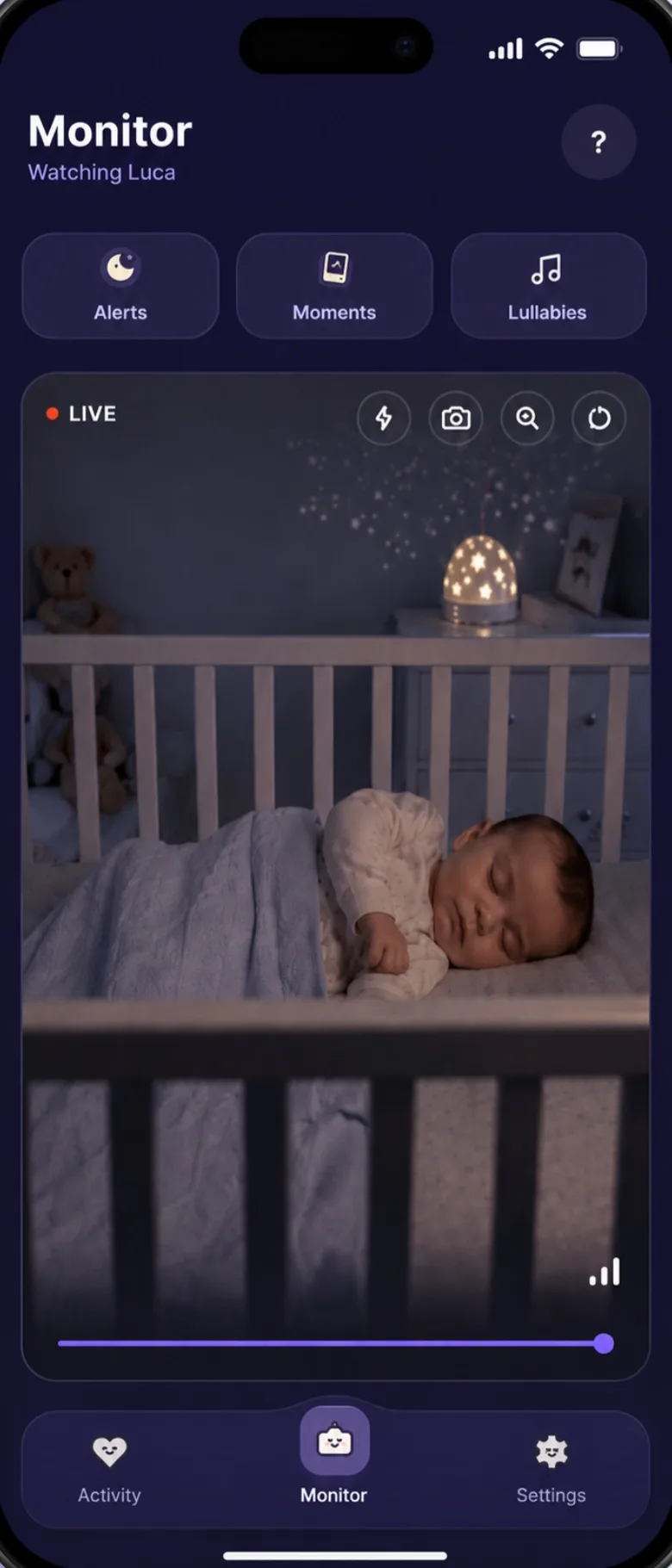
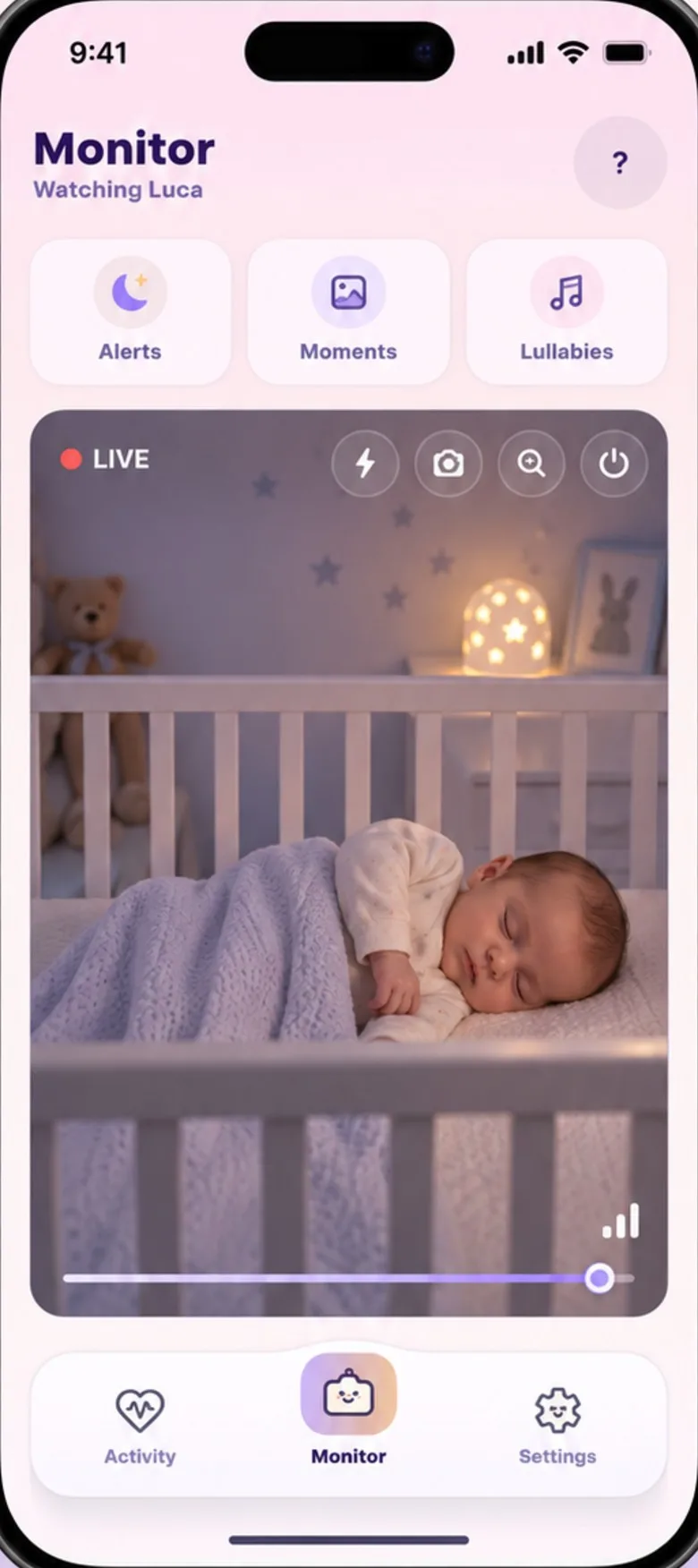
The short answer
An app can be as private as a dedicated monitor, or less: it depends on how it’s built, not on being an app. Ask where the live video goes, whether it’s encrypted, who can get in, what’s kept and for how long, and how you delete it. A trustworthy app answers all of that in plain words.
Why it’s worth asking
The UK’s National Cyber Security Centre warns that home cameras can, in rare cases, be watched by people who shouldn’t see them, and it points to the usual ways in: default passwords that are easy to guess, software that’s never updated, and remote viewing left on when nobody uses it.
That doesn’t make every connected monitor risky. It means a few answers matter more than the feature list.
1. Where does the live video go?
Some monitors send the picture through the company’s servers on its way to you. Others send it straight from one device to the other, so no server in the middle ever has the picture to keep.
Our answer: the live video and sound travel directly between your two phones and are never uploaded to our servers. When the phones can’t reach each other directly, an encrypted relay run by Cloudflare passes the stream on without being able to read it.
2. Is it encrypted on the way?
Ask whether the stream is encrypted between the camera and your screen, and how.
Our answer: yes, with the encryption built into WebRTC, the standard many video-calling apps use (DTLS-SRTP). To be exact: that protects the stream between the phones. It is not end-to-end encryption of the account data we hold, such as alerts and your baby’s profile. That is protected in transit and by access rules, so only your devices can read it.
3. Is there a default password?
Default passwords are the classic weak spot: a camera that ships with a password like “admin” is only as private as the first person to guess it.
Our answer: there’s no shared or factory password. You pair the nursery phone with a six-digit code shown on your own phone.
4. Where is the sound analysed?
Cry detection means something is listening all night. Ask whether that happens on the phone in the nursery, or whether the audio is sent away to be analysed.
Our answer: on the nursery phone itself. Only the result, what it heard and how sure it was, goes on to your phone.
5. What’s kept, and for how long?
A good privacy policy names what it keeps and when it deletes it, not just “as long as necessary”.
Our answer: your activity and health logs stay on your phones, and so do the short clips the nursery phone records. What we do hold, your baby’s profile, alerts, detected-sound events and any soothe recordings you make, is stored with Google Firebase. Monitoring records delete themselves on a timer, from one day for connection records to 90 days for alert history; the privacy policy lists each one. Your account, baby profile and device list stay until you delete them.
7. Can you delete it all?
You should be able to delete your account and its data yourself, without writing a letter.
Our answer: in the app, go to Settings → My Account → Delete account. Your account, baby profile, alerts, activity logs, soothe recordings and connected-device records are removed from our servers as soon as you confirm. No longer have the app? Ask us by e-mail instead.
Your side of it
The NCSC’s advice for any home camera comes down to strong passwords, regular updates and switching off what you don’t use. For a monitor app, that looks like:
- Keep the app and both phones updated. Updates fix security problems as they’re found.
- Lock the phone you watch on. It opens the live view, so give it a screen lock.
- Sign out of old phones before you sell them or pass them on.
- Install from the App Store or Google Play, not from links or files someone sends you.
Monitor safety, quick answers.
Is it possible for a baby monitor to be hacked?
It can happen, though it’s rare. The UK’s National Cyber Security Centre points to the usual ways in: default passwords that are easy to guess, software that’s never updated, and remote viewing left on when nobody uses it. Close those three and most of the risk goes with them.
Are Wi-Fi baby monitors secure?
As secure as they’re built and kept. Ask where the video goes, whether it’s encrypted, who can get in, what’s kept and how you delete it. Then do your part: strong passwords, updates switched on, and remote access off if you don’t use it.
How do I know if my baby monitor has been hacked?
There’s no reliable sign to look for, and the official guides don’t offer a checklist. What they do say: if you think someone has taken control of a device, reset it (UK National Cyber Security Centre), then set a new, strong password, turn on updates and use two-step sign-in where it’s offered (US Federal Trade Commission).