The short answer
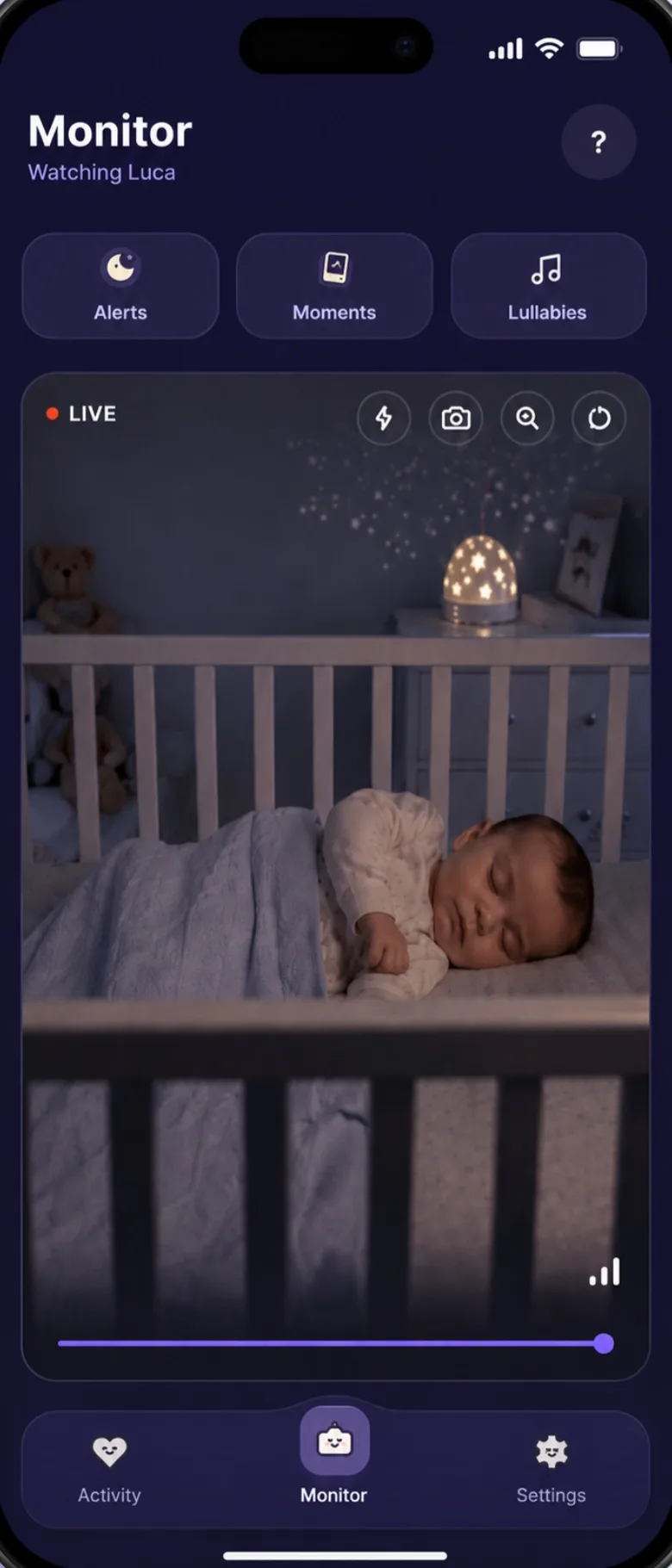
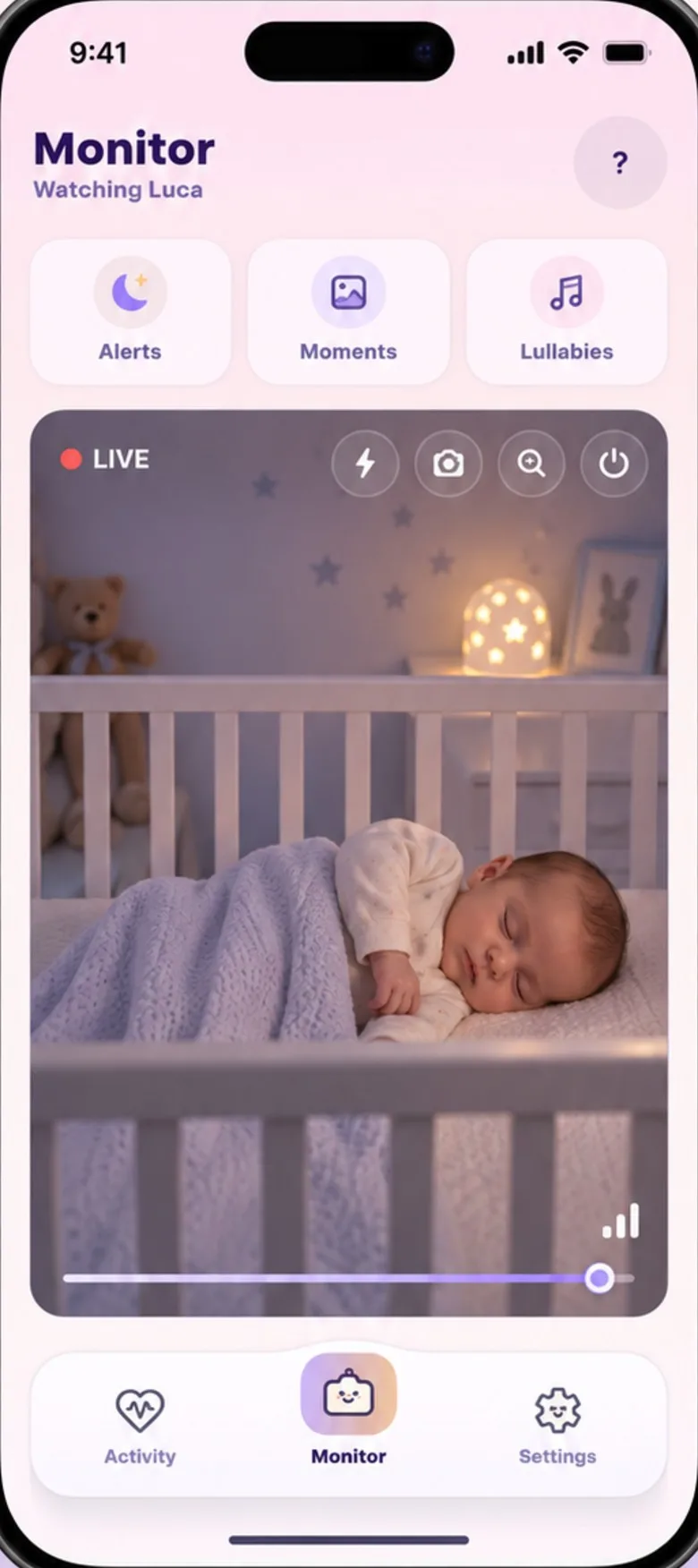
Two phones and the app make a travel monitor: one stays by the travel cot, one stays with you. They don’t need to share a network, so the nursery phone can use the hotel Wi-Fi or mobile data while yours uses whatever it has. Pack a charger and something to prop the phone on, and set it all up at home before you go.
Set it up at home first
Pair the two phones and run through the nursery phone checklist at home, where the Wi-Fi is familiar and nobody is overtired. Screen timeout, battery saving, background running and permissions are settings on the phone itself, so they travel with it. On the first night away, all that’s left is choosing where it goes.
What to pack
- The nursery phone and its charger. It stays plugged in all night. A longer cable helps in rooms where the socket is somewhere awkward, but keep the cable well away from the cot.
- Something to prop it on. A small phone stand, or whatever the room has: a book on a shelf, angled down at the cot.
- A small night light. Most phone cameras have no infrared night vision, so a room with the curtains drawn and the lights off may be too dark for the picture.
- A charger for your own phone. Showing the picture for an evening uses more battery than usual.
Hotel Wi-Fi, rentals and mobile data
Both phones need an internet connection, but not the same one. Away from home:
- Get the nursery phone online first. Many hotel networks show a sign-in page before they let a phone online. Do that on the nursery phone before you place it, and open a web page to check it’s through.
- If the hotel Wi-Fi struggles, try mobile data. On a busy or locked-down network, a phone’s own data connection can be more reliable.
- Mind your data abroad. The live stream uses data for as long as you’re watching or listening. If you’re roaming, check your plan before you rely on mobile data.
- Check the signal where the cot is, not by the door. One bar by the window can be none by the wardrobe.
If the nursery phone drops off the network, Baby’s Day In reconnects on its own when the network comes back. If the camera stays unreachable, you get an alert, and another when it’s connected again.
Check the room
A hotel room or a spare room wasn’t set up with a baby in mind. Before the first sleep, look at it the way a crawler would:
- Cords near the cot. Lamps, chargers, and blind or curtain cords. The CPSC advises keeping cribs away from windows and window covering cords, and monitor cords at least three feet from any part of the cot.
- The travel cot itself. Use the mattress it came with and nothing extra. The CPSC advises against adding a second mattress to a play yard, because it can leave a gap a baby can get trapped in.
- Nothing else in the cot. The safe sleep basics travel too: on their back, on a firm, flat surface, with no pillows, quilts or soft toys.
- Where the phone goes. On a shelf or dresser, higher than the mattress, angled down, its cable out of reach. More in where to put a baby monitor.
Sleep in a new place
New room, new noises, maybe a new time zone. The bedtime routine you use at home, in the same order, is one thing you can bring that takes up no space. If you’ve recorded your voice for Auto-Soothe, that comes along too: the nursery phone plays it wherever it is.
Working out naps on local time? The sleep calculator says when the next one is likely due from when your baby woke.
When an app isn’t the answer
An app needs an internet connection on both phones. In a cabin with no signal and no Wi-Fi it can’t work, and a radio monitor that talks straight to its own parent unit is the better thing to pack. Check the signal at your destination before you leave a monitor at home.
Travel, quick answers.
Is there a baby monitor that can watch from anywhere?
An app can, as long as both phones are online: they don’t need to share a network, so the nursery phone can use hotel Wi-Fi or mobile data while yours uses whatever it has. With no signal and no Wi-Fi it can’t work, and a radio monitor with its own parent unit is the better thing to pack.
Can I bring a baby monitor on a plane?
Phones, yes: the US TSA allows them in carry-on bags. Pack power banks in the cabin too, because the FAA says spare lithium batteries, power banks included, must go in carry-on baggage only. A dedicated monitor isn’t listed by name, so check with your airline.
Sources
- US Consumer Product Safety Commission: Play Yards (frequently asked questions)
- US Consumer Product Safety Commission: Safe and Sound Zone. Infants and Toddlers Can Strangle in Baby Monitor Cords (Safety Alert 5066, July 2012)
- US Consumer Product Safety Commission: Go Cordless with Window Coverings to Avoid Risk of Strangulation to Infants and Children
- American Academy of Pediatrics, HealthyChildren.org: How to Keep Your Sleeping Baby Safe: AAP Policy Explained
- US Transportation Security Administration: What Can I Bring? Cell Phones
- US Federal Aviation Administration: PackSafe, Lithium Batteries